
Last.fm integration
Crossonic-Server supports fetching artist images, artist biographies and album info from last.fm. For this to work you’ll need to supply it with a (free of charge) last.fm API key.
To get started visit this link and either login to your last.fm account or create a new one. Then you should automatically be redirected to a page that looks like this (otherwise just click the link again):
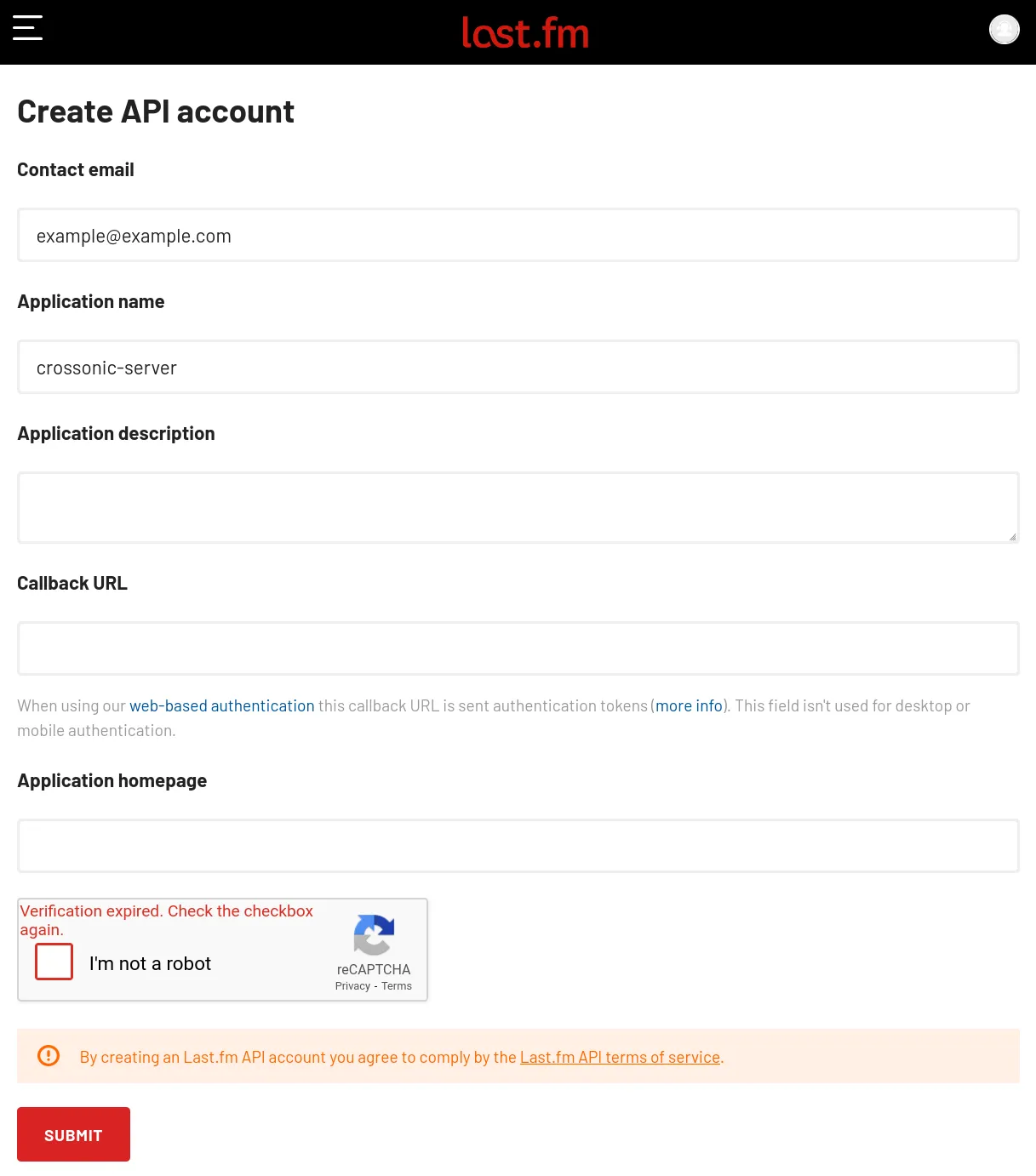
Fill out the displayed form (only Contact email and Application name are required) and click on Submit.
On success you will be redirected to a page showing your created API credentials:
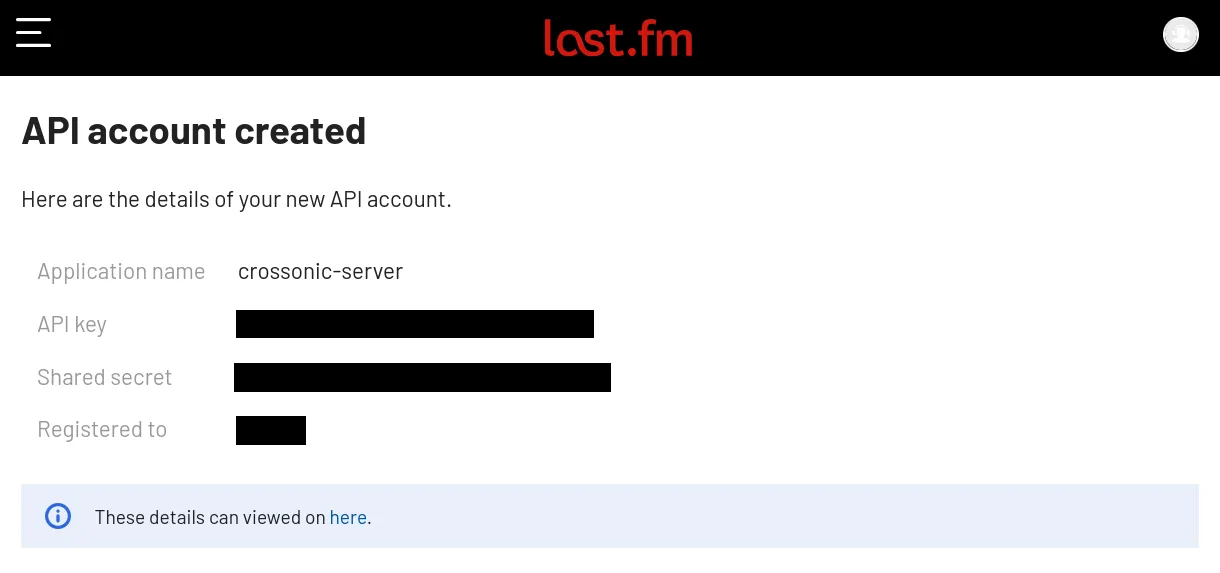
Copy the API key and set is as the value of the LASTFM_API_KEY environment variable.
Assuming the displayed API key is x9hp2n6epyaxfnjkgh3jbgjquwwnsh25 you would add the following to your docker-compose.yml:
services: crossonic: # ... environment: # ... LASTFM_API_KEY: "x9hp2n6epyaxfnjkgh3jbgjquwwnsh25" # ...For the configuration to take effect you’ll need to restart the container:
sudo docker compose up-d crossonicNow artist images, artist biographies and album info will be automatically fetched from last.fm when a client requests them.